▦
Smart media organization
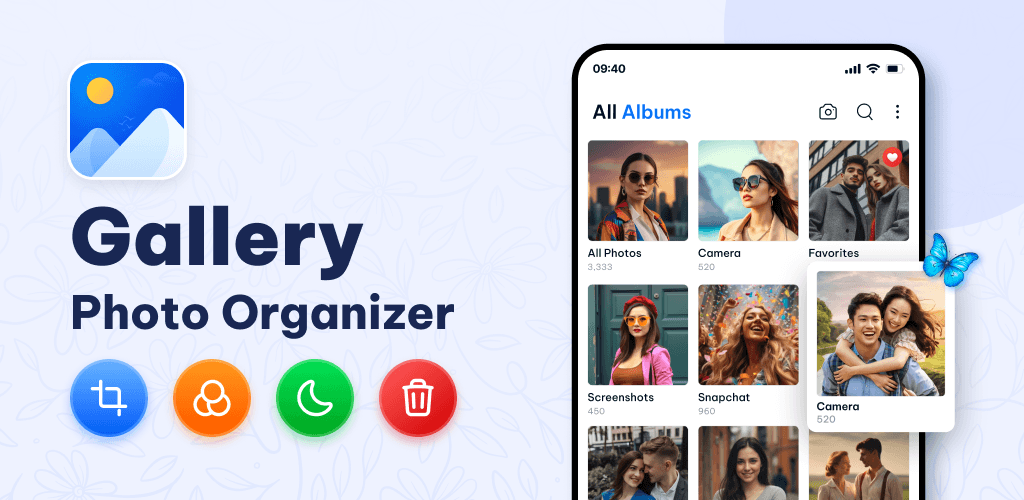
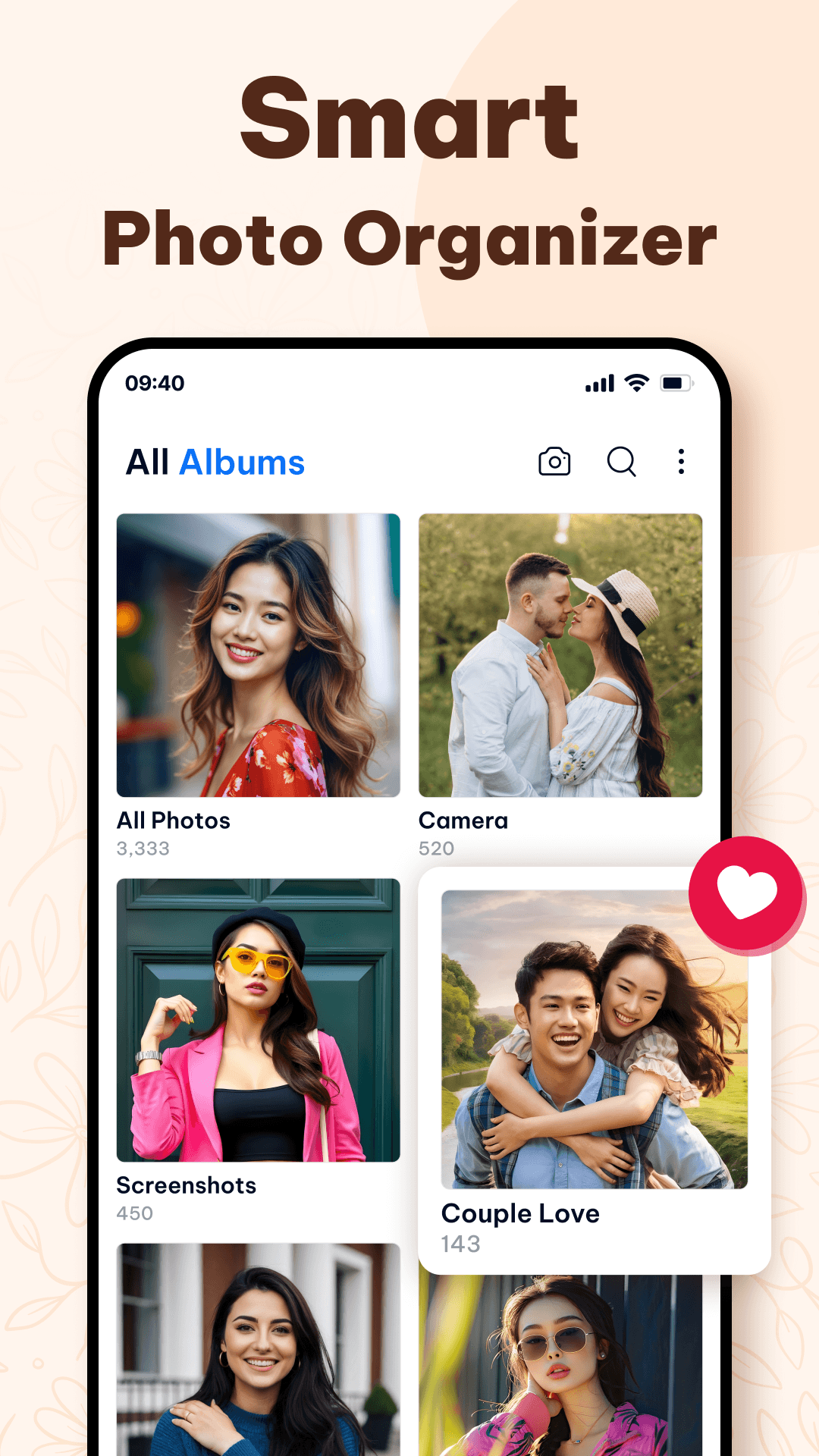
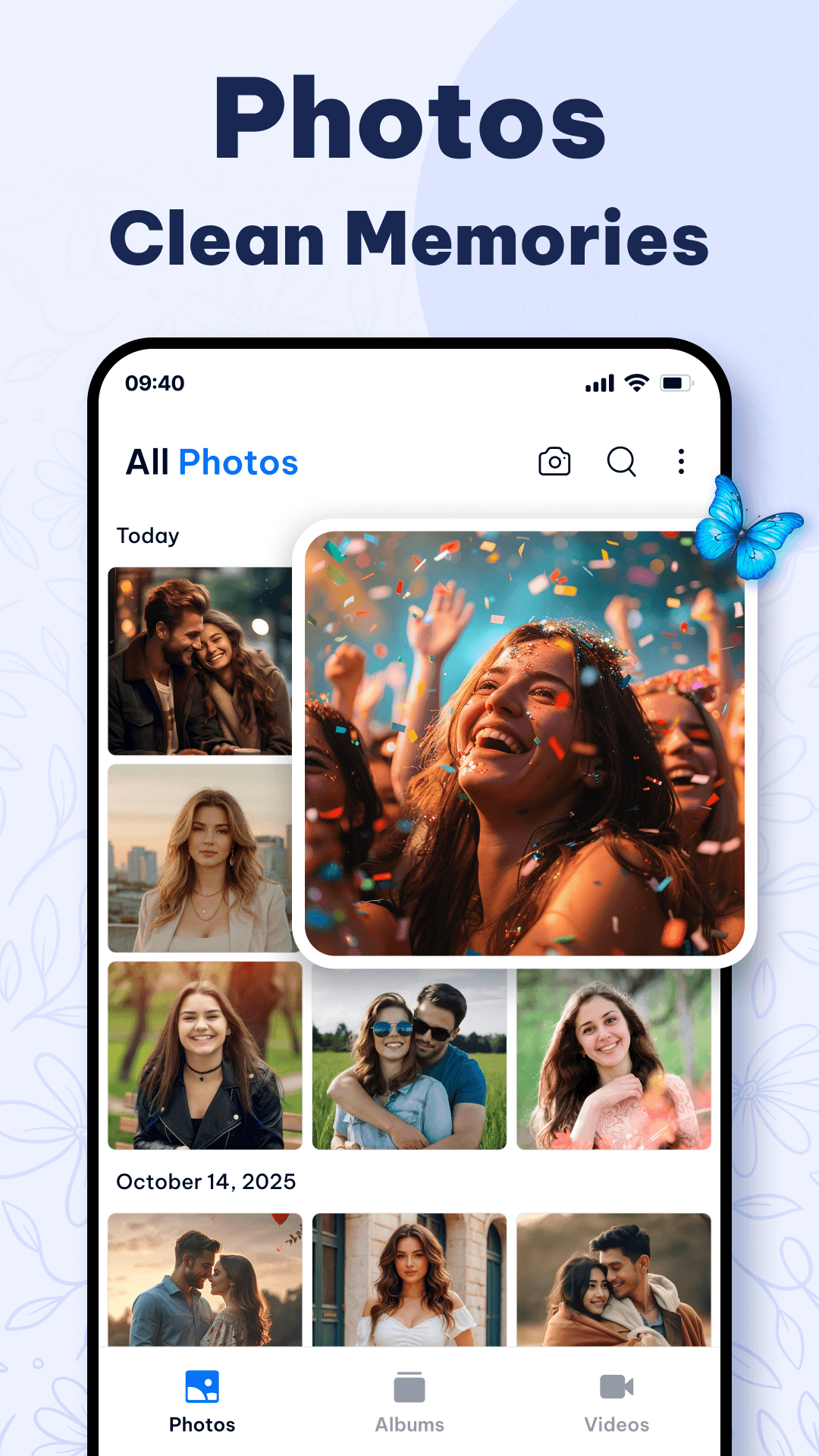
Browse by date and folders, create and rename albums, sort by name, size or date, and keep favorites close at hand.
Browse photos, manage albums, enhance pictures, play videos, recover recently deleted media and enjoy your collection in a clean, fast gallery built for everyday use.
From fast organization to editing and playback, Gallery brings the everyday tools you need into one polished experience.
Browse by date and folders, create and rename albums, sort by name, size or date, and keep favorites close at hand.
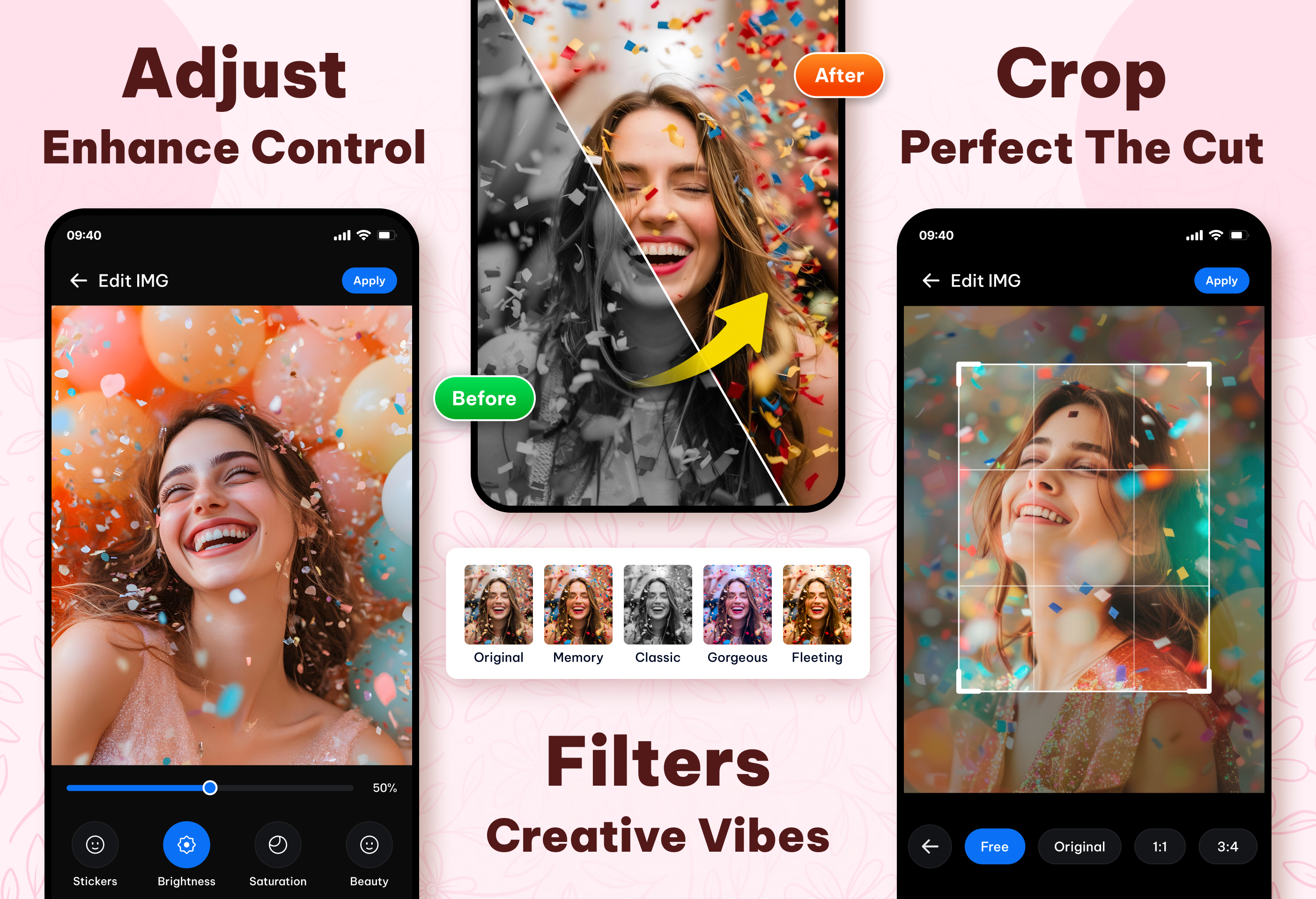
Crop, rotate, apply filters and fine-tune brightness, contrast and blur before you share.
Play popular video formats smoothly without leaving your gallery.
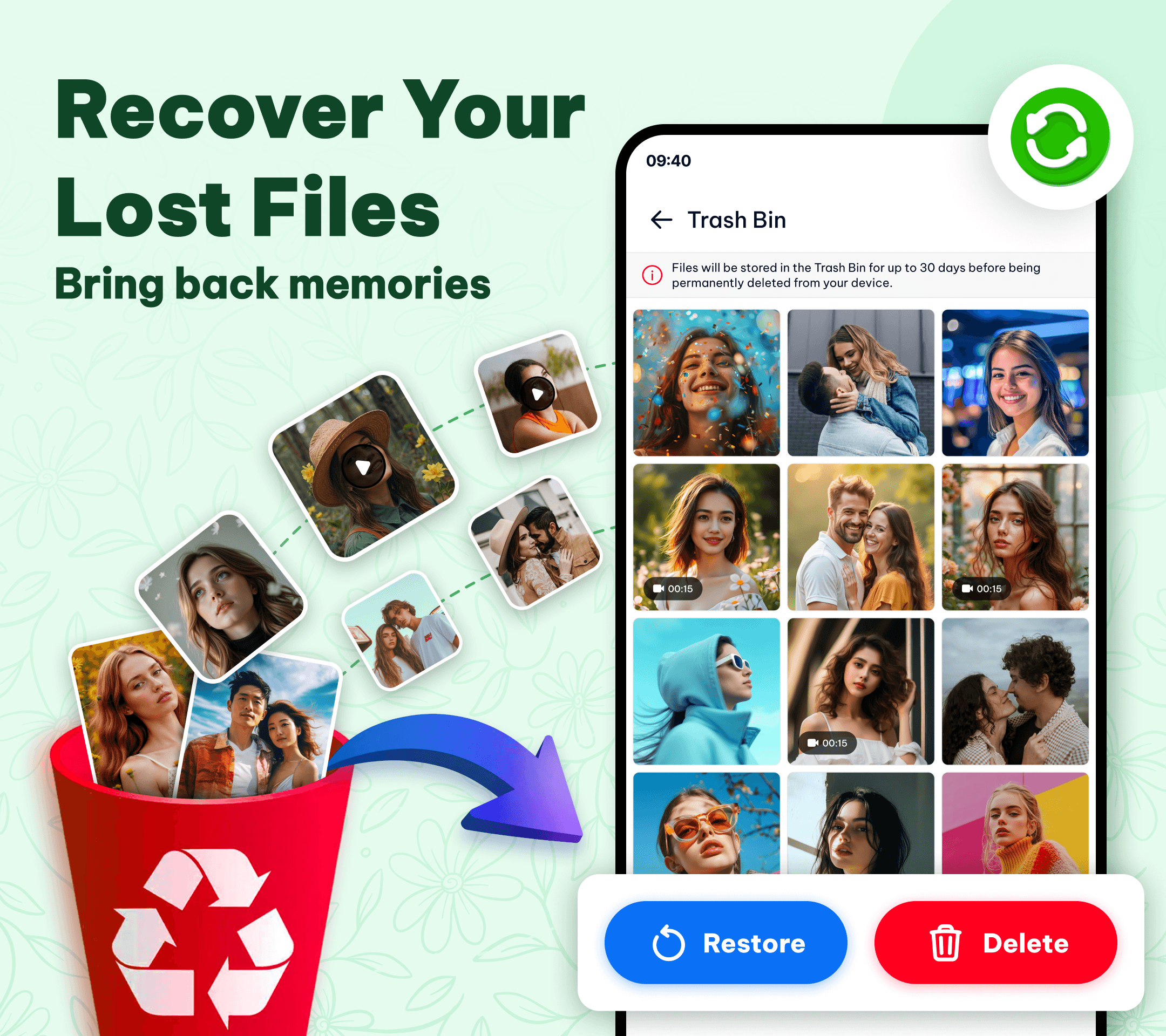
Restore recently deleted photos and reduce accidental loss.
Choose the look that feels right, with simple gestures and clean navigation.
Gallery keeps albums and media easy to scan, so your favorite memories never feel buried. Search by file name, jump through folders, mark favorites and keep everything neatly structured.
Edit a photo, recover a deleted memory, or play a video without bouncing between different apps.
Use crop, adjustment and filter tools to quickly refine the look of your pictures.
The recycle bin gives you a simple restore option when something was removed by mistake.
Every supplied screenshot is shown uncropped. Tap any image to view it at full size.
Organize albums, enhance pictures, enjoy videos, recover recently deleted media and keep your memories close — all from one Android gallery.
Download Gallery on Google Play →